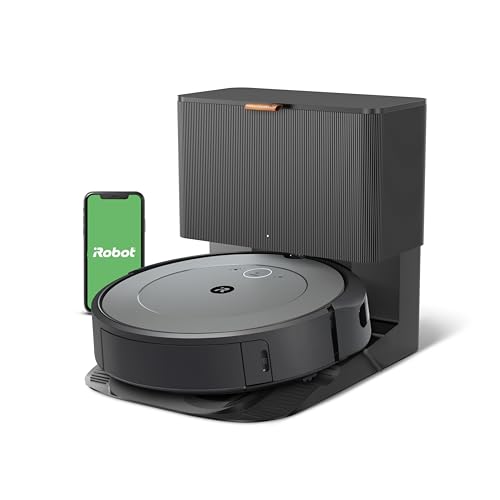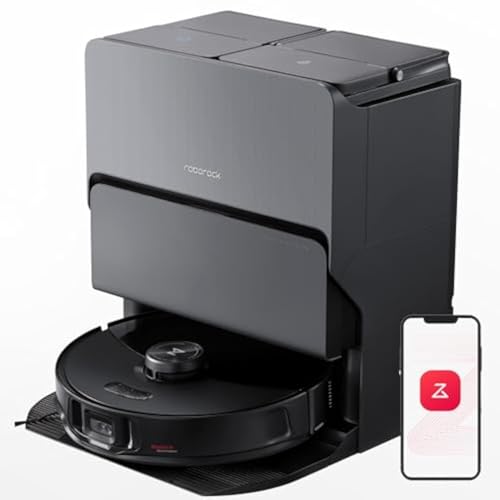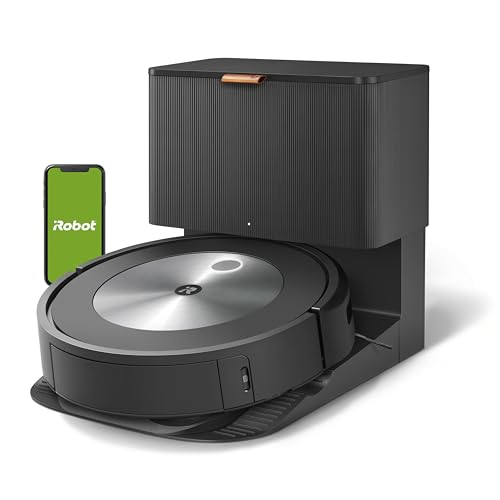
Best OveralliRobot
iRobot Roomba j7+ Self-Emptying Robot Vacuum
- PrecisionVision pet waste avoidance
- Rubber extractors
Everything you need to know about robot vacuum not picking up debris: 8 causes and fixes, explained plainly.
Work through these in order, the most common causes come first.
The most efficient approach to a robot vacuum that is not picking up debris is to work through the causes in order of frequency: Full bin (2 minutes to check and empty) Clogged filter (2 minutes to clean)
Proactive maintenance prevents the majority of robot vacuum performance degradation: After every run: empty the bin (for non-self-emptying models). Every 10 runs: tap the filter clean against a trash can; check the brush roll for hair tangles.
Robot vacuums typically last 4 to 7 years in household use. Signs that replacement is more cost-effective than repair: Suction motor failure (motor replacement cost approaches new robot cost for models over 4 years old) Navigation system failure (LiDAR sensor failure is expensive to repair)
Best Robot Vacuums, top picks if replacement is the answer Robot Vacuum Buying Guide, how to choose a replacement Roomba j7+ Review, our top overall pick reviewed
The most efficient approach to a robot vacuum that is not picking up debris is to work through the causes in order of frequency: Full bin (2 minutes to check and empty) Clogged filter (2 minutes to clean) Tangled brush roll (5 minutes to clear) Clogged suction inlet (3 minutes to inspect and clear)
Proactive maintenance prevents the majority of robot vacuum performance degradation: After every run: empty the bin (for non-self-emptying models).
Every 10 runs: tap the filter clean against a trash can; check the brush roll for hair tangles.
Monthly: remove and fully clean the brush roll; inspect and clean side brushes; check the suction inlet for blockage; wipe the cliff sensors and charging contacts with a dry cloth.
Every 2 to 3 months: replace the filter.
Pet households: every 1 to 2 months.
Robot vacuums typically last 4 to 7 years in household use.
Signs that replacement is more cost-effective than repair: Suction motor failure (motor replacement cost approaches new robot cost for models over 4 years old) Navigation system failure (LiDAR sensor failure is expensive to repair) Battery runtime below 30 minutes despite a new battery Multiple simultaneous component failures
Best Robot Vacuums, top picks if replacement is the answer Robot Vacuum Buying Guide, how to choose a replacement Roomba j7+ Review, our top overall pick reviewed Roborock S8 MaxV Ultra Review, top full-service pick reviewed
The most common causes are a full bin (stops suction), a clogged filter (restricts airflow), a tangled brush roll (prevents debris from entering the suction path), or debris that is too heavy for the robot's suction power (cereal, small toys). Check the bin first, then the filter, then the brush roll.
This happens when the brush roll is spinning too slowly or not spinning at all, either tangled hair has overloaded it, or the brush roll motor has failed. On the app or control panel, check if the brush roll indicator shows an error. If no error, remove the brush roll and check for hair wrapped at the bearing ends, not just the center bristle area.
Robot vacuums' side brushes are designed to sweep debris toward the main brush path, but corners are the hardest area for any robot vacuum to reach. Most models miss the final 1 to 2 inches of corners consistently. This is a geometry limitation, not a malfunction. Manual spot-cleaning of corners every 1 to 2 weeks is normal and expected.
Filter clogging is the most common cause of suction degradation over time. Robot vacuum filters clog progressively, the reduction is gradual enough that owners often do not notice until suction is significantly reduced. Replace the filter on schedule (every 2 to 3 months for most models, monthly for pet households) and clean it by tapping it against a trash can after every 10 runs.